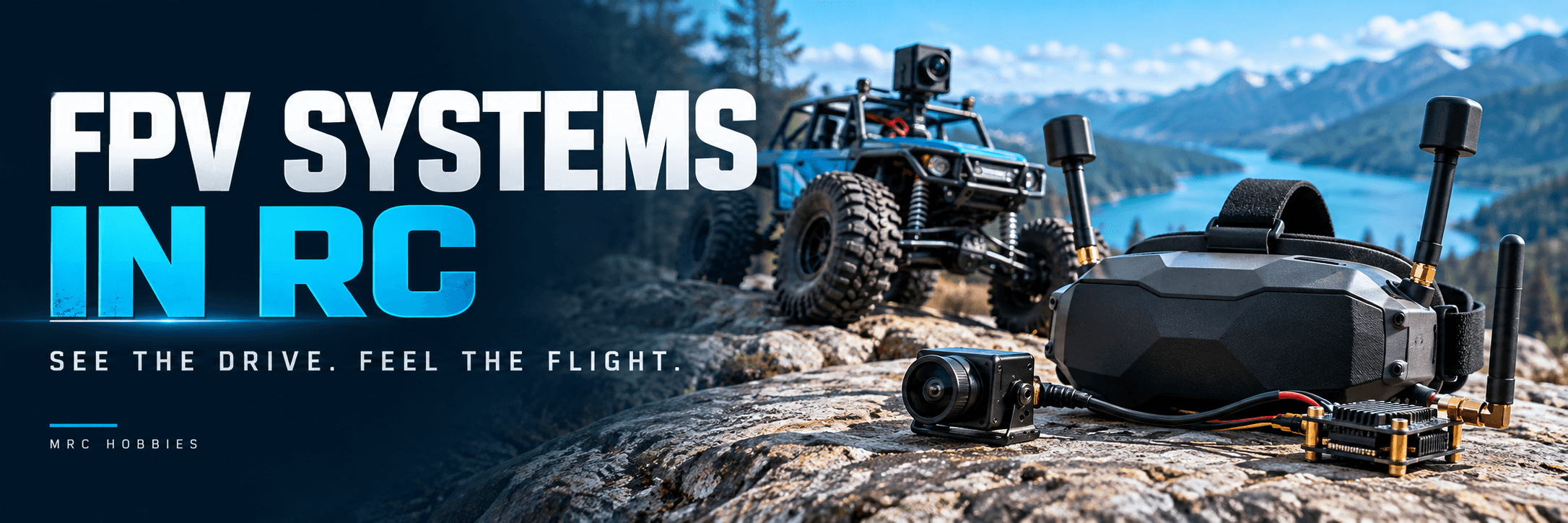
FPV means First-Person View.
A camera mounted on an RC model sends a live view to goggles or a display. This lets the operator see from the camera’s position.
A compact crawler course can appear like a full-size trail. An aerial viewpoint provides a different sense of movement and direction.
The experience depends on a complete video chain. The camera, transmitter, antennas, receiver and display must work together.
How Does an FPV System Work?
The onboard camera captures the view. A video transmitter—often called a VTX—sends it through a suitable link.
Receiving equipment processes the signal and displays the image on goggles or a monitor.
Some products combine several functions. Others use separate components.
The live image used for operation should also be distinguished from separately recorded footage. Recording quality and the live viewing experience are different considerations.
Main FPV Components
ComponentPurposeCameraCaptures the onboard viewVideo transmitterSends the imageAntennasSupport transmission and receptionVideo receiverReceives a compatible signalGoggles or monitorDisplays the live imagePower supplyProvides the specified electrical input
The Control Link and Video Link
The control link carries commands for steering, throttle or flight. The video link carries the camera’s view.
A model can use separate systems for these jobs. Some ecosystems also support particular controller arrangements.
DJI publishes specific goggles and remote-controller compatibility for its O4 Air Unit series, illustrating why exact combinations must be checked. DJI
A working video image does not prove that the control link is correctly configured.
Analog FPV Systems
Analog FPV uses an analog video link.
The equipment must agree on its supported frequency, channel arrangement, video requirements and antenna configuration.
Evaluate the complete live view, including clarity, delay and behaviour when reception weakens. Individual products differ, so “analog” does not describe one fixed performance level.
Digital FPV Systems
Digital FPV sends video through a digital system.
Examples include DJI air-unit systems, Walksnail Avatar and HDZero. These are separate ecosystems, so a digital transmitter does not automatically work with any digital goggles. DJI
Check supported hardware, firmware and operating modes.
Some displays provide additional input options. HDZero, for example, documents goggles with digital reception alongside analog and HDMI input arrangements. Those capabilities belong to the particular device and its required setup. HDZero
Analog vs Digital FPV
AspectAnalogDigitalCompatibilityCheck frequency, channels and video supportCheck ecosystem, hardware and firmwareImage qualityDepends on the complete systemDepends on the system and operating modeDelayEvaluate the complete video chainEvaluate the complete video chainDisplayCompatible receiver and input arrangementSupported goggles, receiver or displayBest choiceDepends on the intended useDepends on the intended use
Choose around your model and priorities rather than assuming one label is always better.
Goggles or a Monitor?
Goggles provide an immersive view. A monitor allows others to watch and can be convenient for a supervised ground-model activity.
Consider comfort, screen visibility and receiver support.
An HDMI or analog input does not itself make a display receive an incompatible wireless video system. The correct receiver arrangement is still needed.
Why Latency Matters
Latency is the delay between an event reaching the camera and appearing on the display.
The camera, processing, transmission and display can all contribute.
The delay can become more noticeable during faster control tasks. Evaluate the system in the intended operating mode instead of comparing isolated specifications.
A detailed image is useful, but it must also reach the operator in a way that suits the task.
Camera Placement on an RC Car
Position the camera where it provides a useful view of the route.
Check whether the body blocks the image, whether the mount is secure and whether normal operation could damage it.
A dramatic camera angle is not always the clearest driving angle. The operator needs enough information to judge the route and obstacles.
Remember that the camera also has blind spots.
Power, Cooling and Installation
Follow the camera and VTX specifications for voltage, wiring and cooling.
A connector that physically fits does not establish that its voltage or pin arrangement is correct.
Secure the equipment and keep it clear of moving parts. Follow the VTX manual for antenna attachment and bench operation; cooling requirements differ between products.
On-Screen Displays and Recording
An OSD, or on-screen display, can add supported information to the live view.
Its availability depends on the video system and connected electronics. DJI’s support guidance specifies firmware and flight-controller requirements for OSD features. repair.dji.com
A DVR records the received view. Some onboard equipment can also record a separate video stream.
Check what the product records and which settings are supported.
Getting Started with Ground-Model FPV
Begin in a clear, controlled area at low speed, with supervision and a way to stop the model.
Test the camera view and controls before attempting a complex course.
Practise judging turns and obstacles through the camera. Recognise that the screen does not show everything around the vehicle.
Aerial FPV requires its own appropriate operating arrangements. A successful ground-model test does not establish readiness for flight.
Buying Checklist
- Define the model and intended use.
- Confirm camera, VTX and receiver compatibility.
- Check goggles or monitor support.
- Review power and cooling requirements.
- Plan secure mounting and useful camera placement.
- Check antennas and supported video settings.
- Understand the control link separately.
Common Mistakes to Avoid
- Assuming all digital goggles are interchangeable.
- Confusing recording quality with the live feed.
- Selecting equipment only by claimed range.
- Ignoring power and cooling requirements.
- Choosing a camera angle that hides essential driving information.
Final Thoughts
FPV adds a new perspective to RC through a live onboard view.
A suitable system combines compatible equipment, useful camera placement and an installation matched to the model. Understanding the video and control chains separately makes setup and troubleshooting easier.
Explore FPV and RC Technology with MRC Hobbies
Visit MRC Hobbies or contact us with your model and planned FPV setup.
Address: 201, P. N. Kothari Industrial Estate, next to Navkar Hospital, Bhandup West, Mumbai, Maharashtra 400078.
Phone / WhatsApp: +91 77840 93093
Instagram: @mrchobbies
YouTube: MRC Hobbies